Office Wi-Fi Security in Williamsport PA
Office Wi-Fi Security in Williamsport PA helps protect business networks from unauthorized access, ransomware threats, and data exposure. Additionally, unsecured wireless networks can allow attackers to access printers, computers, cloud systems, and sensitive company information. Tek Guy On Demand helps businesses secure office Wi-Fi environments with modern protection strategies and network hardening services.
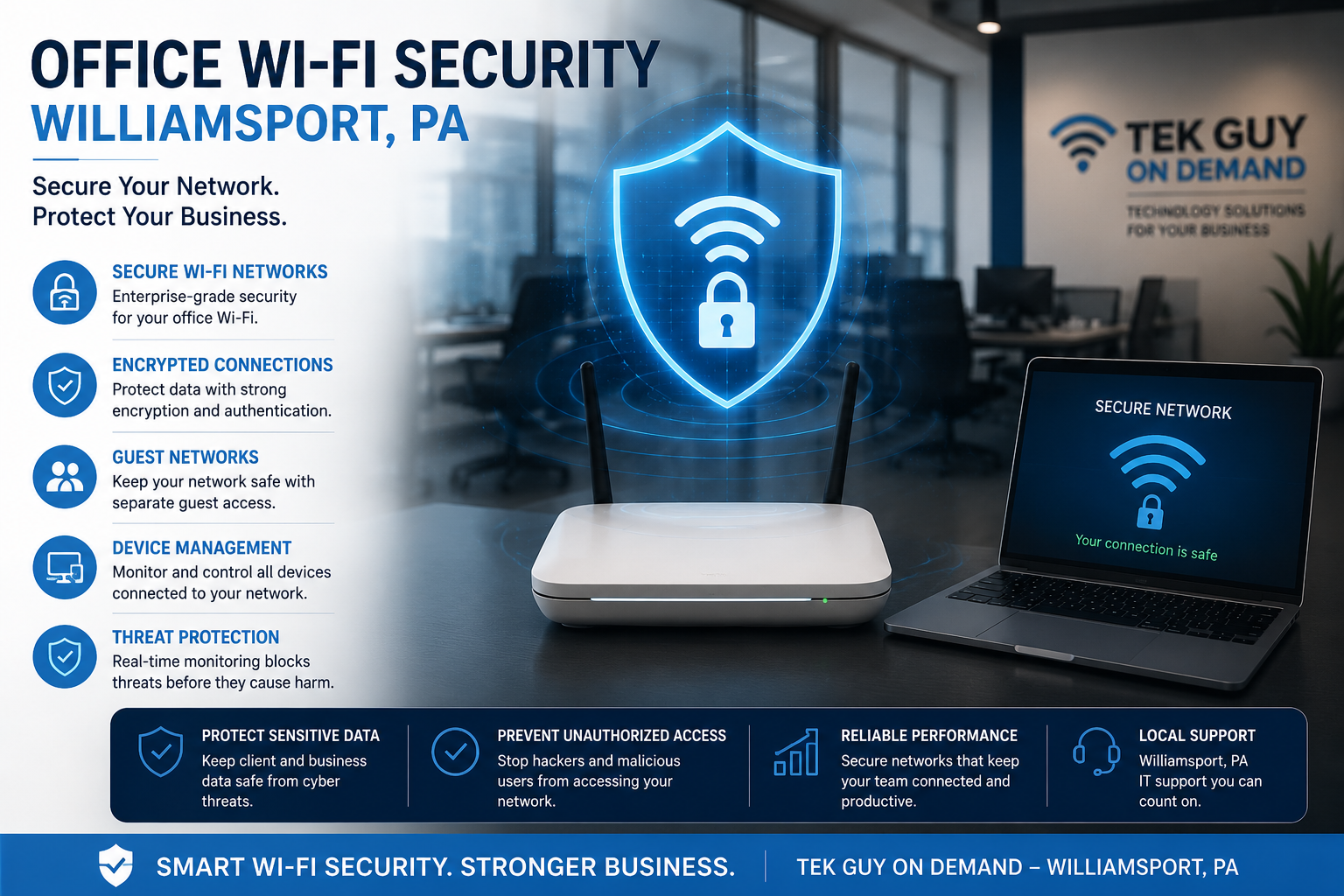
Office Wi-Fi security services including wireless network protection, firewall configuration, guest network isolation, and cyber security hardening.
Why Office Wi-Fi Security Matters
Business Wi-Fi networks are often targeted because they connect printers, computers, phones, cloud services, cameras, and point-of-sale systems. However, weak passwords, outdated hardware, poor encryption, and unsecured guest networks can create major security risks.
Tek Guy On Demand helps businesses strengthen wireless security through proper configuration, access controls, firmware management, and network segmentation strategies designed for modern business environments.
Secure Wireless Encryption
Modern WPA3 and advanced encryption settings help prevent unauthorized wireless access and improve overall office network protection.
Guest Wi-Fi Isolation
Separating guest devices from internal business systems reduces exposure and limits access to sensitive printers, servers, and workstations.
Firewall Configuration
Proper firewall settings help block malicious traffic, restrict unnecessary ports, and improve business network security visibility.
Wireless Network Monitoring
Monitoring Wi-Fi activity can help identify suspicious devices, unauthorized access attempts, and unusual network behavior before problems escalate.
Business Wi-Fi Security Assessments
Our office Wi-Fi security assessments review wireless encryption, access point configuration, guest isolation, firewall settings, password policies, firmware versions, signal exposure, and connected business devices to identify security risks and network vulnerabilities.
Common Office Wi-Fi Security Risks
- Weak wireless passwords
- Unsecured guest Wi-Fi access
- Outdated router firmware
- Default administrator credentials
- Shared office passwords
- Improper printer network access
- Unsegmented IoT devices
- Open remote management access
- Unencrypted wireless traffic
Frequently Asked Questions
Can hackers access business systems through Wi-Fi?
Yes. Weak or improperly configured office Wi-Fi networks can allow unauthorized access to business devices, printers, servers, and cloud-connected systems.
Should guest Wi-Fi be separated from business devices?
Yes. Guest Wi-Fi should remain isolated from internal business systems to reduce security risks and limit network exposure.
How often should Wi-Fi equipment be updated?
Business routers, access points, and firewalls should receive regular firmware updates to improve security and address known vulnerabilities.
Can insecure Wi-Fi increase ransomware risk?
Yes. Unsecured wireless access can create entry points for attackers attempting to compromise business devices or spread ransomware across networks.
Do you support office Wi-Fi troubleshooting and upgrades?
Yes. Tek Guy On Demand provides Wi-Fi troubleshooting, wireless upgrades, access point configuration, and business network security services throughout Williamsport PA and surrounding areas.
Cyber Security Resources
Learn more about wireless security, ransomware prevention, and cyber security best practices from trusted security organizations.
Secure Your Office Wi-Fi Network
Office Wi-Fi security is critical for protecting business systems, printers, cloud services, and sensitive company data. Tek Guy On Demand helps businesses strengthen wireless security and reduce cyber security risks throughout Williamsport PA.
Explore Cyber Security Services