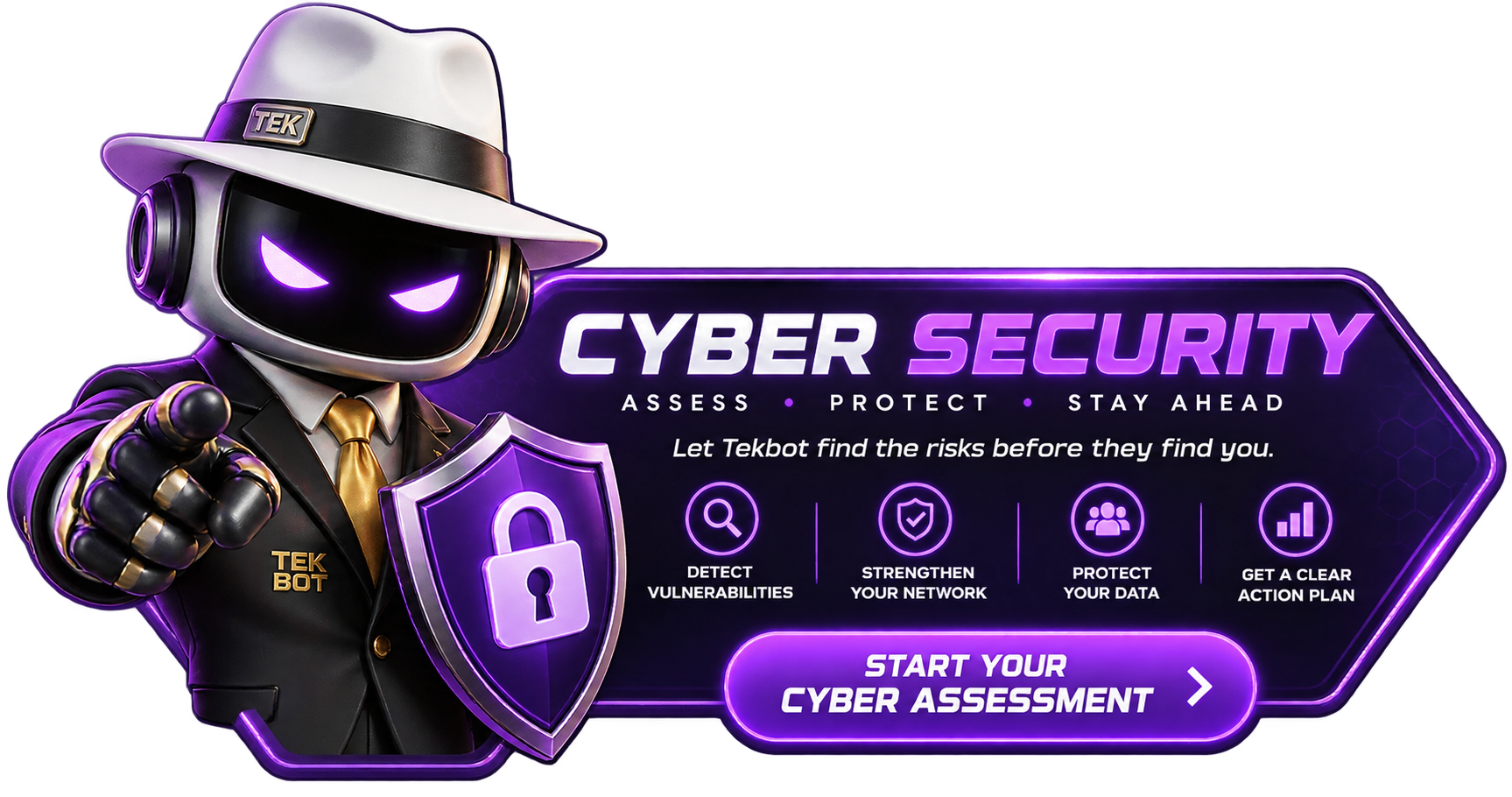
TGOS is a team of smart cyber bots that watches your computers, phones, Wi-Fi network and AI activity. If something unusual happens, TGOS sends a push alert to your phone and notifies Tek Guy. The alert tells you in plain language what was found and what you can do next. Review it. Take action. Request help, or schedule a Tek Guy for remote or on-site service.
Endpoint, network, mobile, AI-presence and attack-source intelligence converge inside TGOS. The bots gather the evidence. TGOS connects the pattern. Tek Guy turns it into decisive human action.
EndpointBehavior + health
NetworkDevices + traffic
MobileTravel + web defense
AI presenceSoftware + active use
Attack sourceIP + owner context
TGOSCorrelation corePattern locked
Human commandTek Guy
Verified context. Plain-language direction. The right response when it matters.
Response ready
SeeConnectExplainAct
The defenders
Four roles. One mission.
Three intelligent defenders. One human commander. Every signal connected.
Endpoint + AI watch / active
DEFENDER // 01
Cyber Bot
The endpoint and AI-intelligence specialist
Cyber Bot watches supported computers for suspicious behavior, malware-related signals and evidence of AI software or active AI use. It correlates observed live connections with their processes and destinations, then enriches suspicious source IPs with approximate geography, ISP, ASN, registered network owner, reverse DNS and abuse contacts.
AI presenceLive connectionsSource IP intelligenceThreat context
Network command / connected
DEFENDER // 02
Scout Bot
The network intelligence and remote-command specialist
Scout Bot maps gateways, printers, cameras, storage, point-of-sale and connected devices. With supported, authorized firewalls and managed equipment, TGOS can remotely review or trust devices, block suspicious IP activity, pause traffic, initiate emergency isolation and manage supported WAN or failover actions.
Your protection should not stop at the office door. IPS Bot travels with you—from airports and hotels to coffee shops, client sites and public Wi-Fi. On supported phones, encrypted VPN connectivity, DNS and web filtering, malicious-destination blocking, Wi-Fi awareness and device-posture checks help protect the sites, services and information you access online.
Signals only matter when someone understands what they mean. TGOS is built to combine automation with a real human response path—remote, video or on-site as the situation requires.
Illustrative command snapshot
One centered radar. A coordinated search.
Your digital world never stands still—and neither do we. Cyber Bot, Scout Bot and IPS Bot work together around the clock, watching your computers, network and mobile activity from one powerful command center. When something changes, TGOS brings the alert straight to you and your Tek Guy—so you can see it, understand it and act before a small problem becomes a big one.
Live signal routes // every channel reports to TGOS
Cyber Bot
Endpoint + AI searching
Scout Bot
376 connections observed
IPS Bot
Mobile + travel guarded
TGOS Bot
Coordinating + alerting
Adaptive network awareness
TGOS learns what normal looks like.
As TGOS observes supported devices and traffic over time, it builds a working baseline of your usual network—recognized devices, gateways, connections, services and behavior. If a new device appears, a trusted system changes, an unusual connection begins or activity falls outside that normal pattern, TGOS flags it and alerts you with context so you can investigate and respond.
New deviceGateway changedUnusual connectionBehavior outside baseline
When the signal turns serious
Threats don’t get the last word. Tek Guy does.
The bots find it. TGOS explains it. Tek Guy takes command.
Human response engaged
Signal intelligence
Noise, compressed
Instead of drowning you in raw alerts, TGOS correlates supported signals, ranks what matters and gives Tek Guy clearer context for the next decision.
New network activityEvidence grouped into one findingVerify
Known routine trafficBackground noise compressedObserved
Raw telemetry enters. Context comes out.
Service + control path
From signal to action
The system does not stop at detection. TGOS creates a deliberate path from machine evidence to an authorized human response.
01Detect the changeCyber Bots identify what movedSignals
02Verify the evidenceTGOS correlates activity and contextInsight
03Control the networkAuthorized remote action when availableCommand
04Tek Guy respondsA human takes over the decisionAction
RemoteVideoOn-site
Private launch briefing
The system is being forged.
The TGOS concept is complete enough to see—and still disciplined enough not to open the doors before the service, pricing and onboarding experience are ready.
What is TGOS designed to do?
Unify useful endpoint, network, mobile, AI-presence and attack-source signals with a Tek Guy-led service experience so customers can understand what is happening and what to do next.
Can TGOS identify an attacking AI or its exact location?
TGOS can identify an observed AI client, provider, API or local model when the evidence exposes one, and it can enrich a source IP with approximate city, region, country, ISP, ASN, registered network owner and abuse contact. When the model is not exposed, TGOS reports suspected AI-assisted activity, a confidence rating and the supporting evidence instead of guessing. It cannot reliably prove a person’s identity, physical address or AI model from attack traffic alone because VPNs, proxies, Tor, cloud hosts and compromised systems can hide the true origin. Monitoring uses approved metadata and correlated signals—not prompts, responses, documents, credentials or decrypted traffic.
How does IPS Bot protect me while traveling?
When a supported phone is enrolled and connected, IPS Bot adds encrypted VPN connectivity and DNS or web protections that help reduce local-network exposure and block known malicious destinations. It is designed for airport, hotel, coffee-shop and other public Wi-Fi use, while also monitoring connection and device-posture signals. It supplements—rather than replaces—device updates, native security, backups and responsible browsing.
Does TGOS replace backups, security tools or good IT practices?
No. TGOS is designed to complement supported protections and service workflows. It does not replace backups, native security controls, identity protection, patching or responsible business practices.
Does TGOS guarantee every attack or outage will be prevented?
No technology can guarantee prevention of every attack, outage, data loss event or device failure. TGOS is about better visibility, faster understanding and a clearer response path.
When can customers enroll?
Public enrollment will open only after pricing, eligibility, onboarding and supported configurations are locked. Until then, this page is a private preview of the vision.
X
⚡ Need Help With A Printer, Network, Wi-Fi, POS, Scanner, or Computer Issue?
Talk live with a real Tek Guy.
Remote diagnostics starting at $39.99.
Used only with old Urchin versions of Google Analytics and not with GA.js. Was used to distinguish between new sessions and visits at the end of a session.
End of session (browser)
__utmz
Contains information about the traffic source or campaign that directed user to the website. The cookie is set when the GA.js javascript is loaded and updated when data is sent to the Google Anaytics server
6 months after last activity
__utmv
Contains custom information set by the web developer via the _setCustomVar method in Google Analytics. This cookie is updated every time new data is sent to the Google Analytics server.
2 years after last activity
__utmx
Used to determine whether a user is included in an A / B or Multivariate test.
18 months
_ga
ID used to identify users
2 years
_gali
Used by Google Analytics to determine which links on a page are being clicked
30 seconds
_ga_
ID used to identify users
2 years
_gid
ID used to identify users for 24 hours after last activity
24 hours
_gat
Used to monitor number of Google Analytics server requests when using Google Tag Manager
1 minute
_gac_
Contains information related to marketing campaigns of the user. These are shared with Google AdWords / Google Ads when the Google Ads and Google Analytics accounts are linked together.
90 days
__utma
ID used to identify users and sessions
2 years after last activity
__utmt
Used to monitor number of Google Analytics server requests
10 minutes
__utmb
Used to distinguish new sessions and visits. This cookie is set when the GA.js javascript library is loaded and there is no existing __utmb cookie. The cookie is updated every time data is sent to the Google Analytics server.